

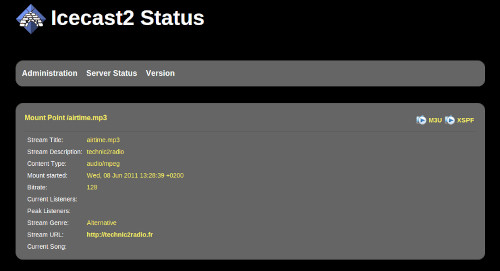
Icecast is a streaming media (audio/video) server which currently supports Ogg (Vorbis and Theora), Opus, WebM and MP3 streams.
It can be used to create an Internet radio station or a privately running jukebox and many things in between. It is very versatile in that new formats can be added relatively easily and supports open standards for communication and interaction.
TIP ME !
Your gratitude and finance will help me to continue integration of this QPKG and maintain up to date versions.
Your gratitude and finance will help me to continue integration of this QPKG and maintain up to date versions.

Last update: 18 September 2026




sphinx_ra28 –
Why is there NOTHING to be found on GOOGLE or anywhere to get some HELP on how to configure this,
We can’t even access the root folders of the QTS OS through FTP anymore, so a GUIDE would be nice for a change,
It’s like it’s a secret on QNAP, if I google for Synology guide, it’s full of it how to get it working with mounting drives and all!
David C. –
The only way I have found to access the qnap root folder is by connecting to SFTP with a program like Filezilla and using your qnapcloud address and an admin account. First setup your ddns qnapcloud address like yourservername.myqnapcloud.com (replace the yourservername with your server name) by downloading the myqnapcloud app, and setting up the ddns section and enabling ssl. Then download the ftp program, access by using SFTP with the host yourservername.myqnapcloud.com and use an admin username and password. You will see a new set of folders, go to the top directory / and look for opt, enter it, and look for icecast2, enter it, and it will send you a shared version of it, find and enter etc, and you will find the elusive icecast.xml. If you don’t know what to do with it, read https://icecast.org/docs/icecast-2.4.1/config-file.html