
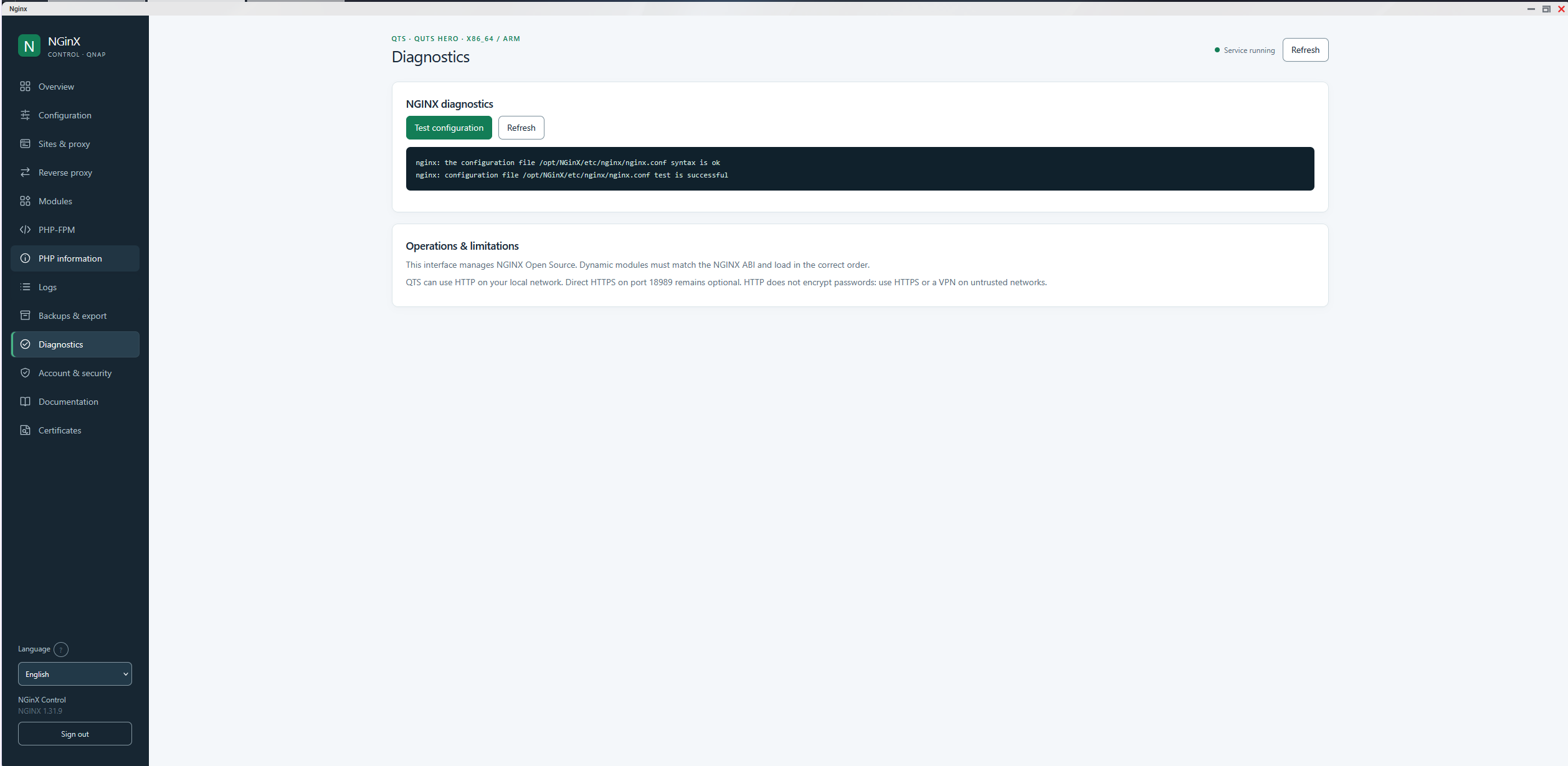
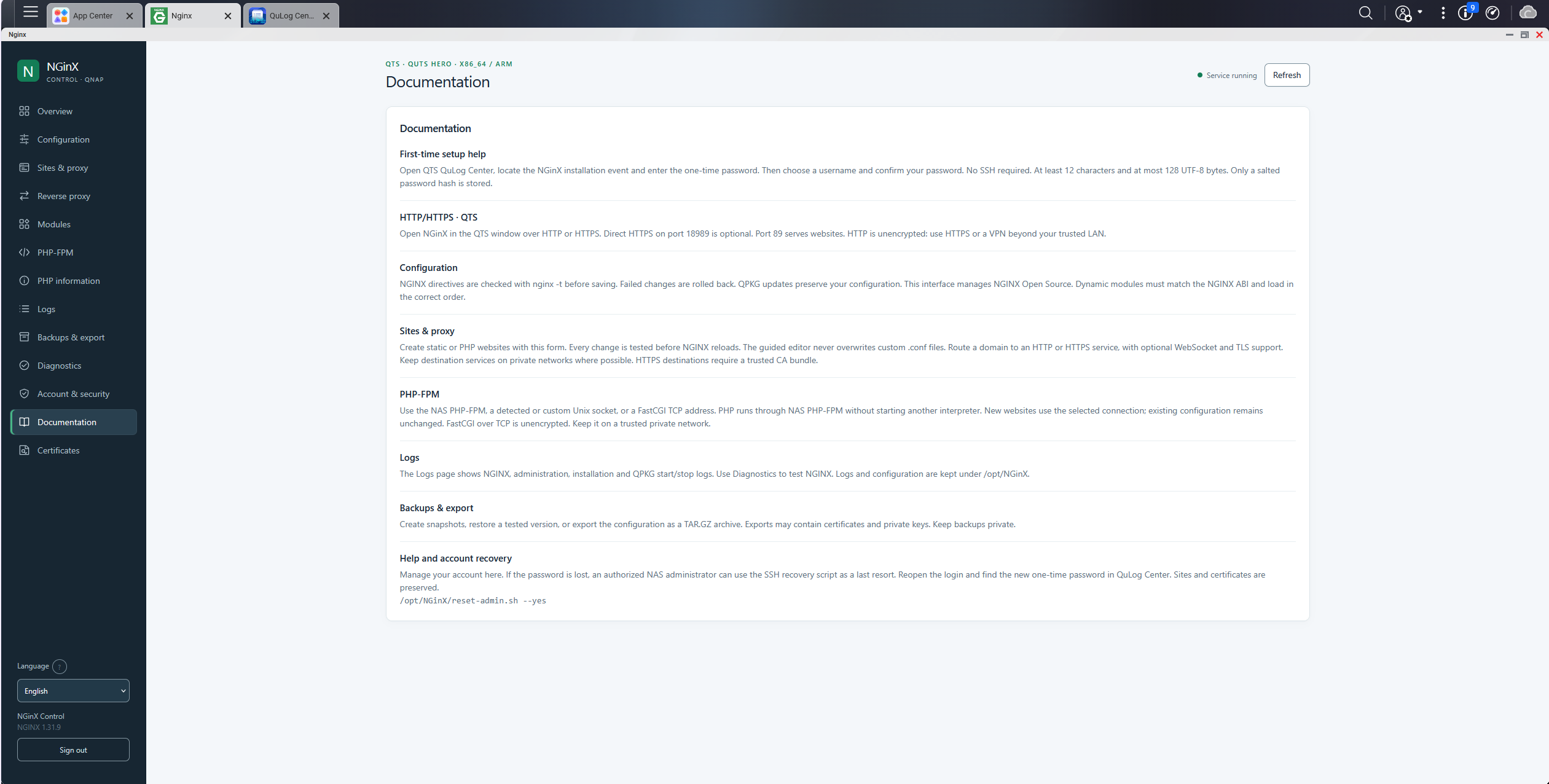
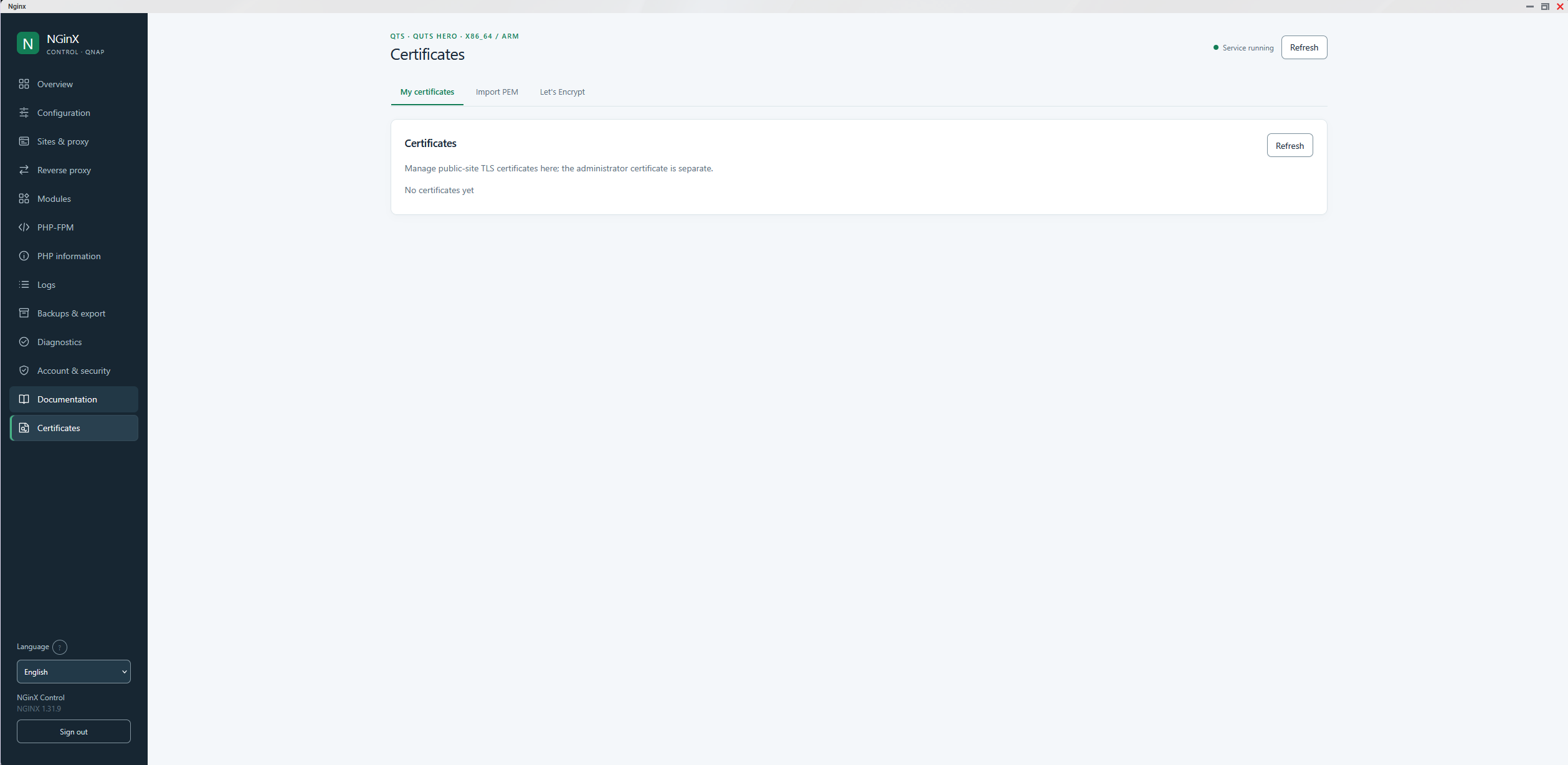
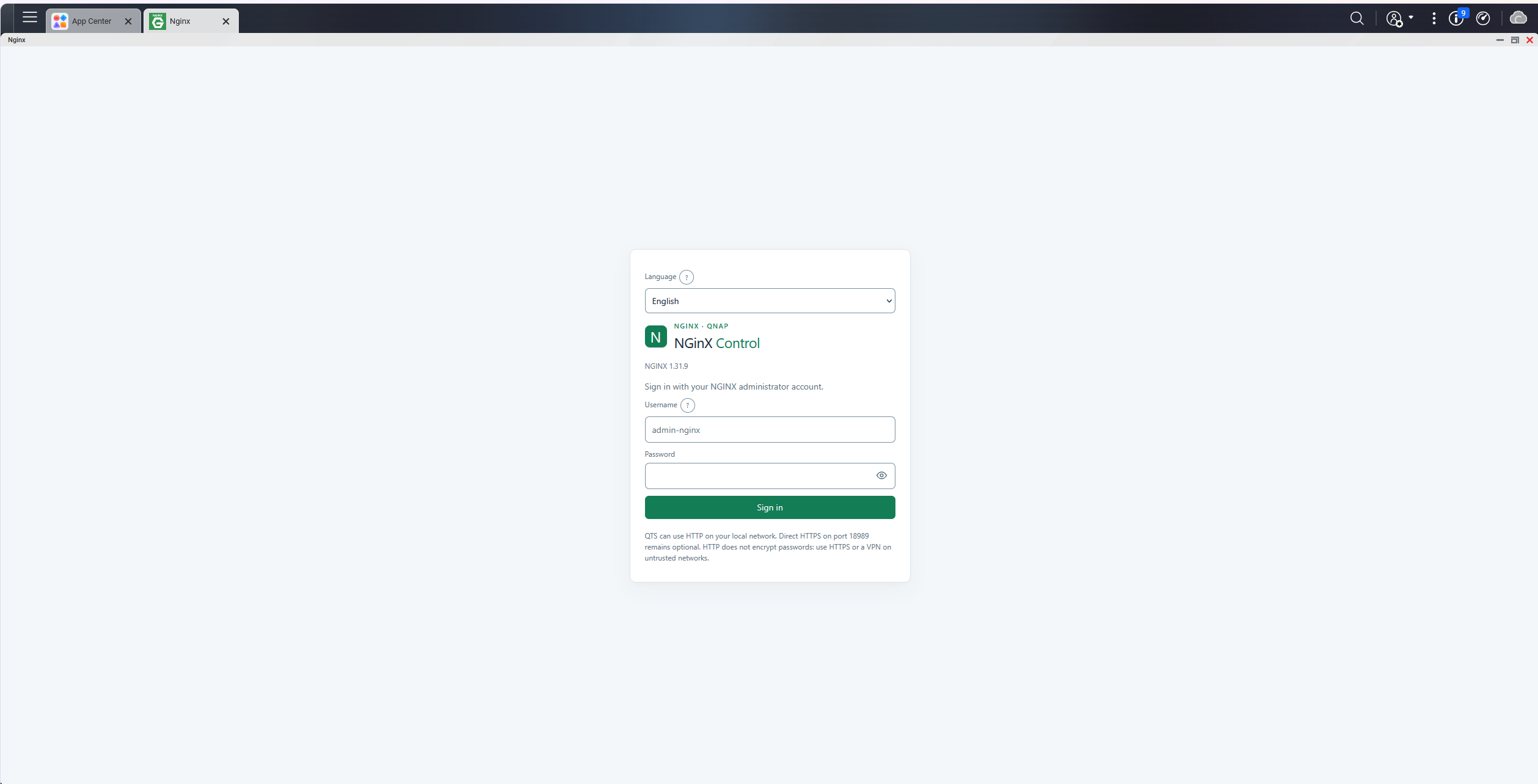

NGinX NG — Native Web Server & Reverse Proxy Manager for QNAP
Run and manage NGINX directly on your QNAP NAS, with a powerful yet easy-to-use web administration interface.
NGinX brings the performance and flexibility of the open-source NGINX web server to QNAP NAS systems through a native QPKG package.
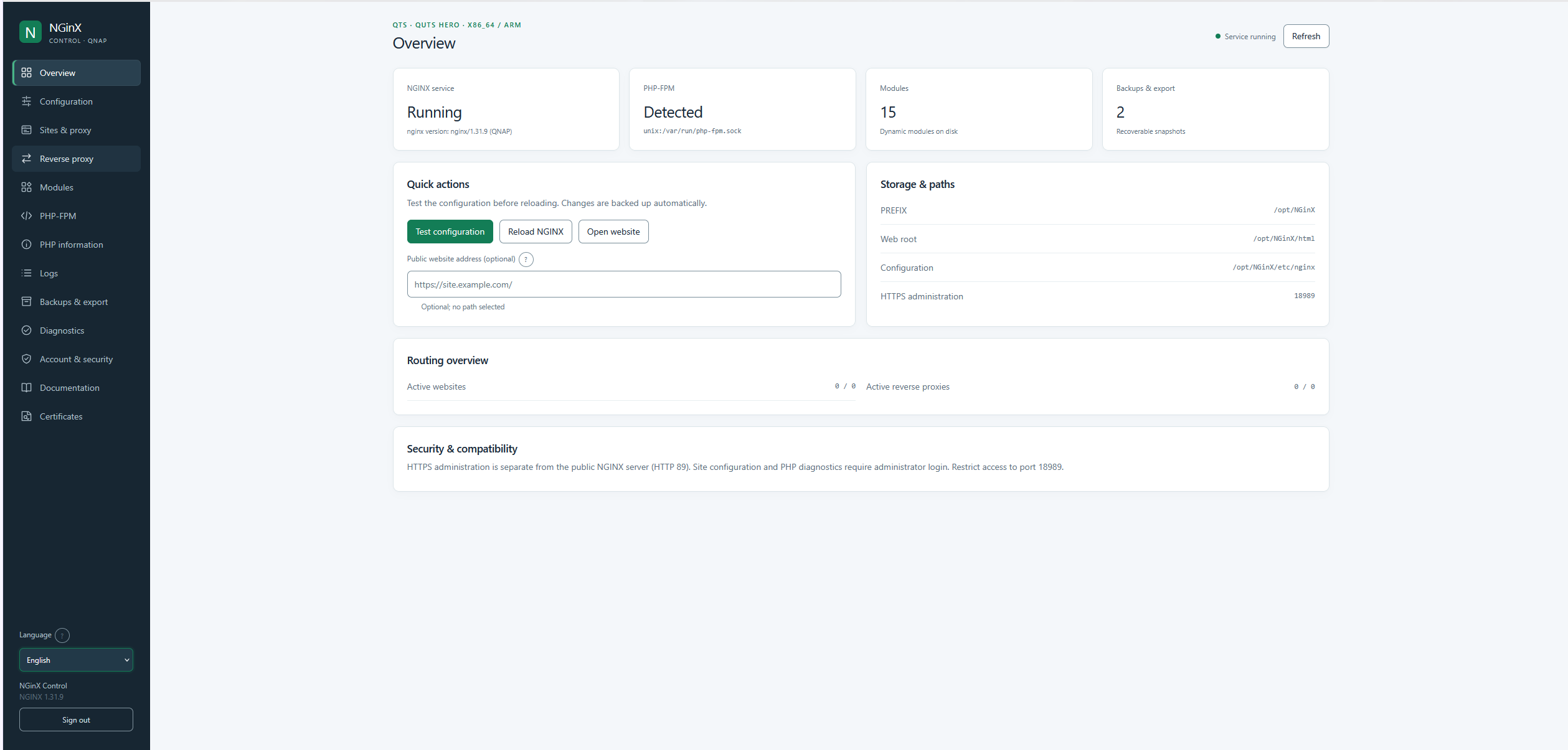
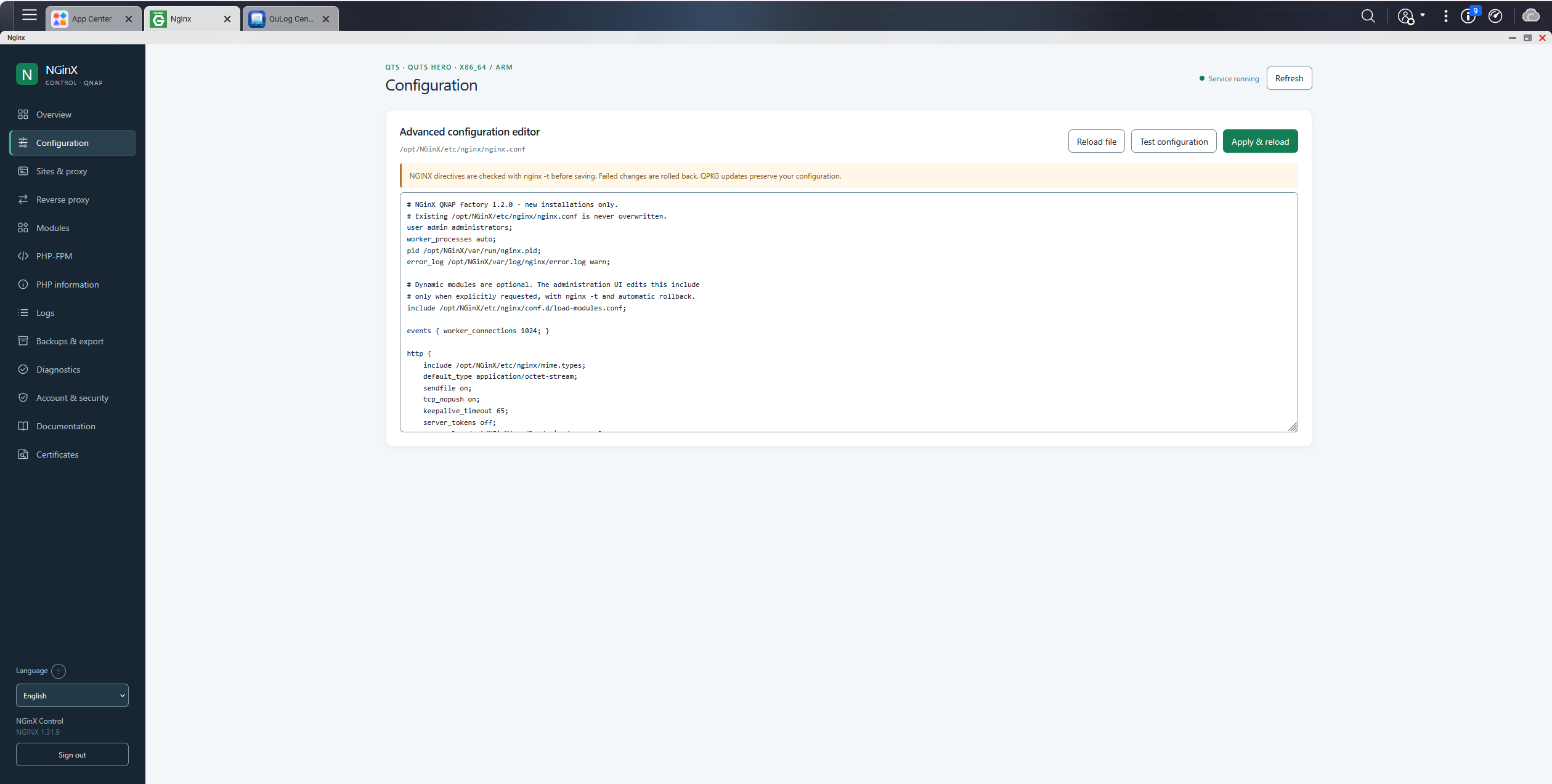
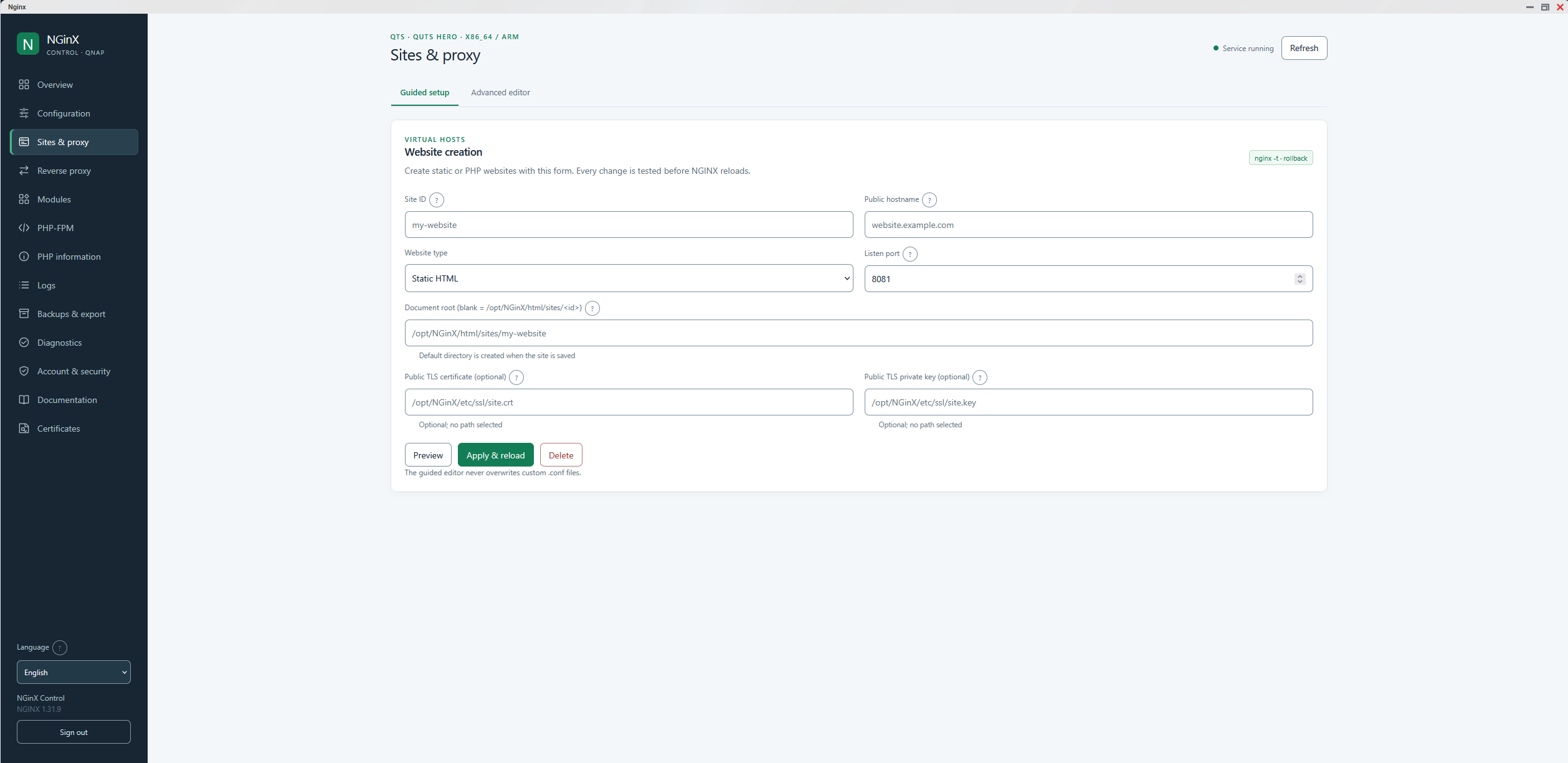
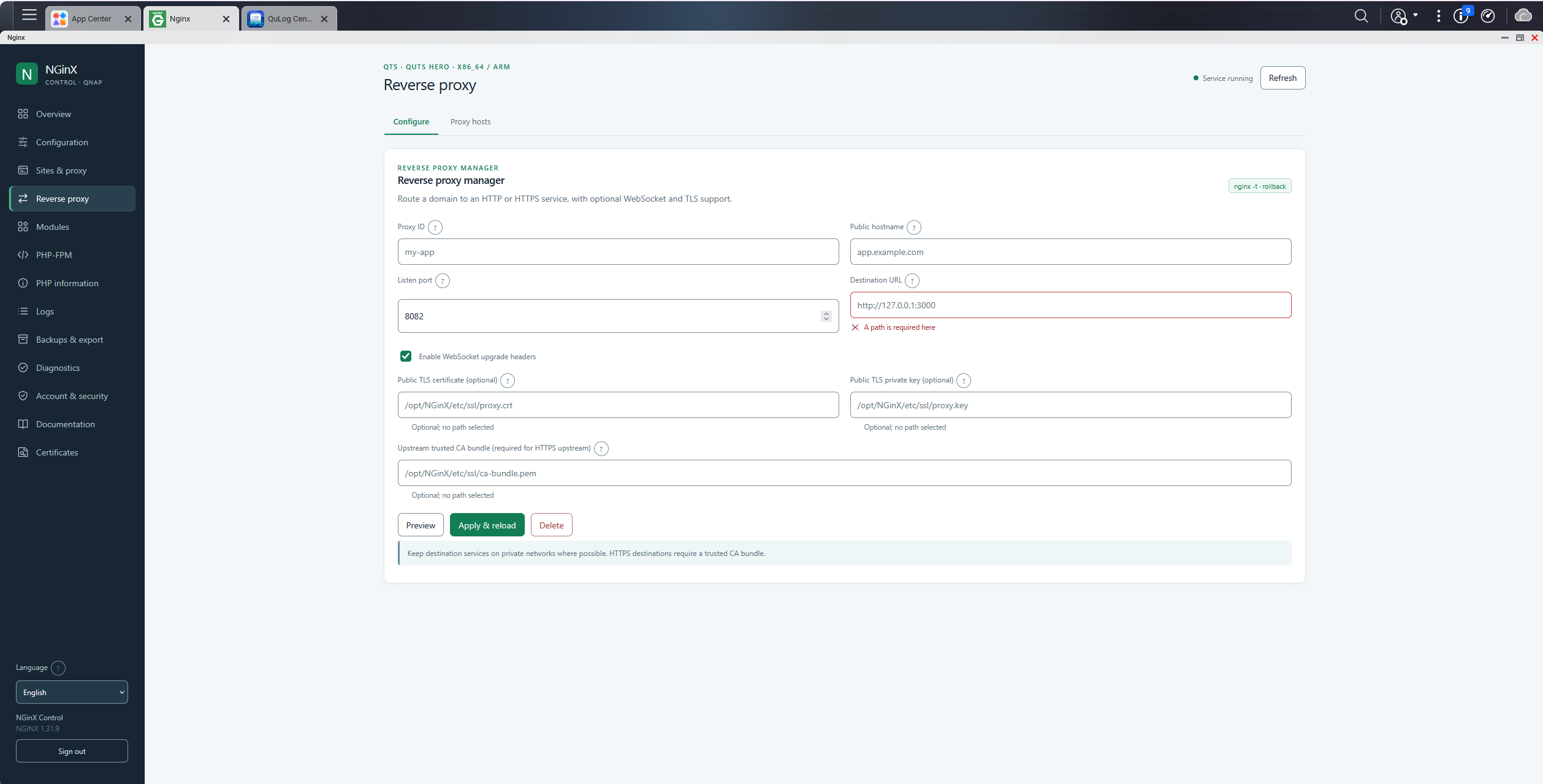
Designed for QTS and QuTS hero FW 5+ , NGinX provides an integrated control panel for managing websites, reverse proxies, PHP-FPM connections, HTTPS certificates and server configurations — without requiring Docker or extensive command-line knowledge.
Available for : X86_64 (Intel/AMD), ARM64 (aarch64), ARV7 (armhf)
Key Features
- Native QNAP integration: Run NGINX directly on your NAS, independently of the firmware’s built-in web services.
- Multi-site management: Create, configure, enable and disable multiple websites.
- Reverse Proxy Manager: Publish internal web applications and services through configurable reverse proxy hosts.
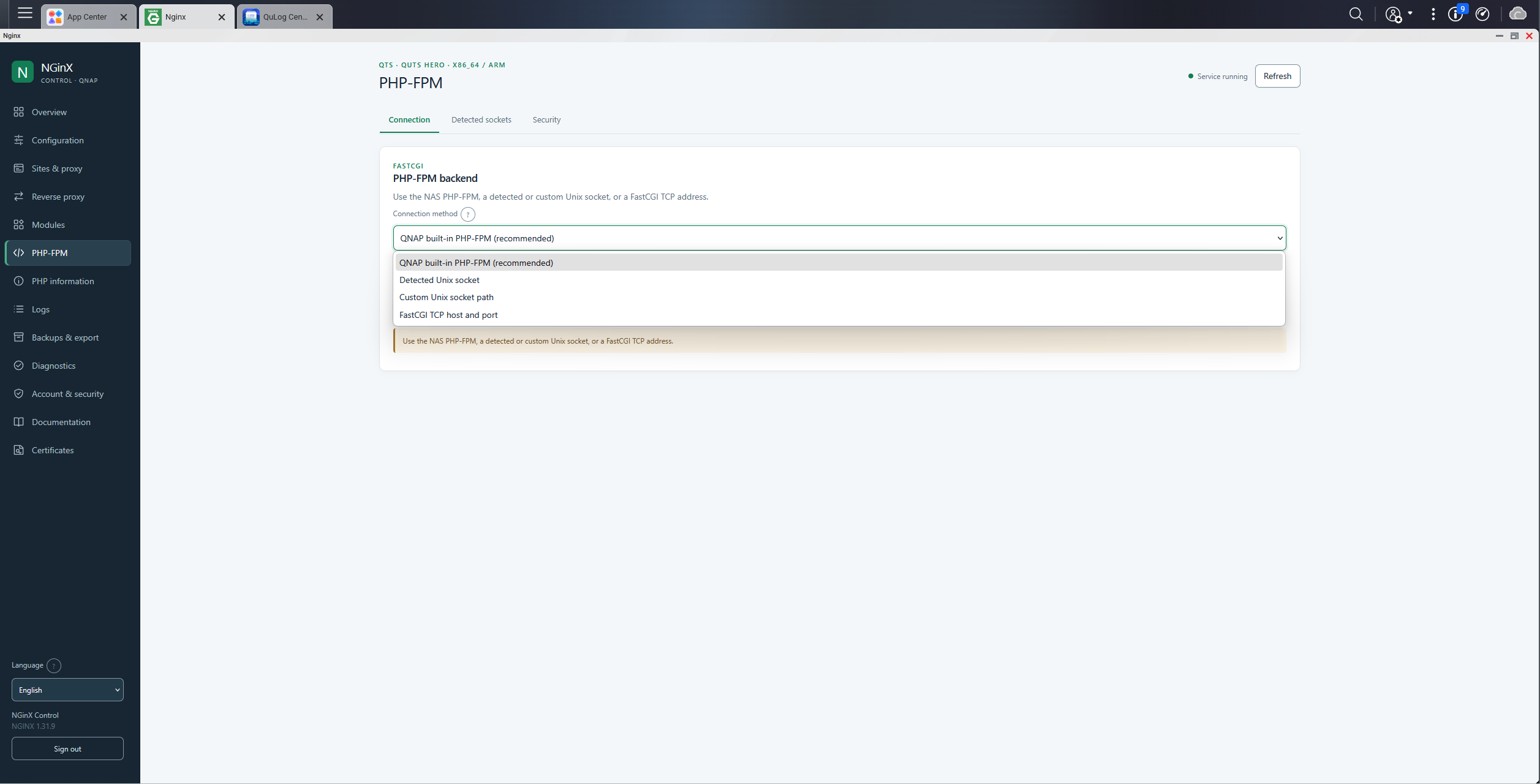
- PHP-FPM integration: Use the NAS PHP-FPM service or configure a custom Unix socket or FastCGI TCP endpoint.
- SSL/TLS certificate management: Import, inspect and export certificates, with protected private-key handling.
- Let’s Encrypt: Request free HTTPS certificates and enable automatic renewal using HTTP-01 validation.
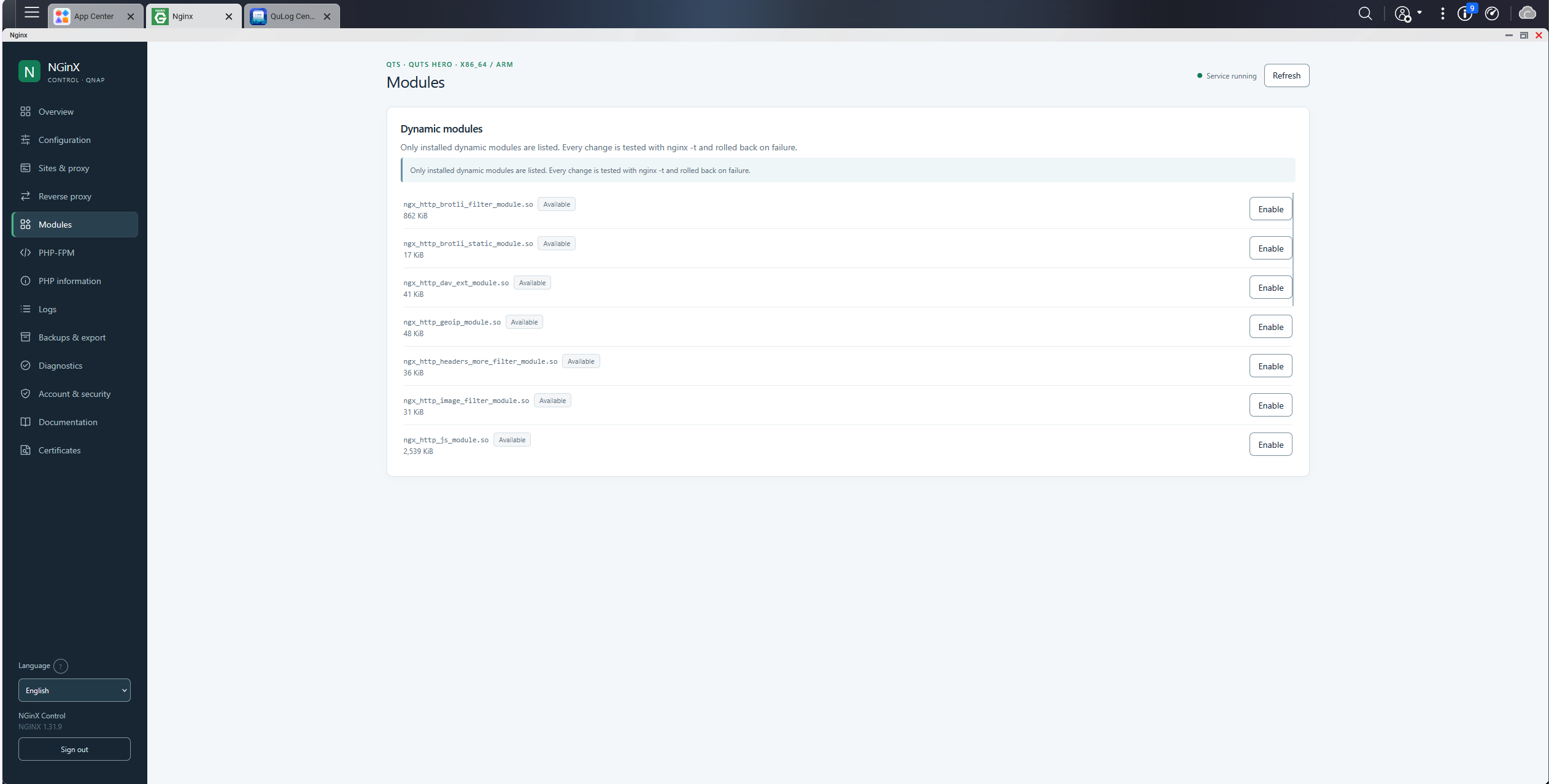
- Advanced configuration: Manage NGINX settings and modules with syntax checks before applying changes.
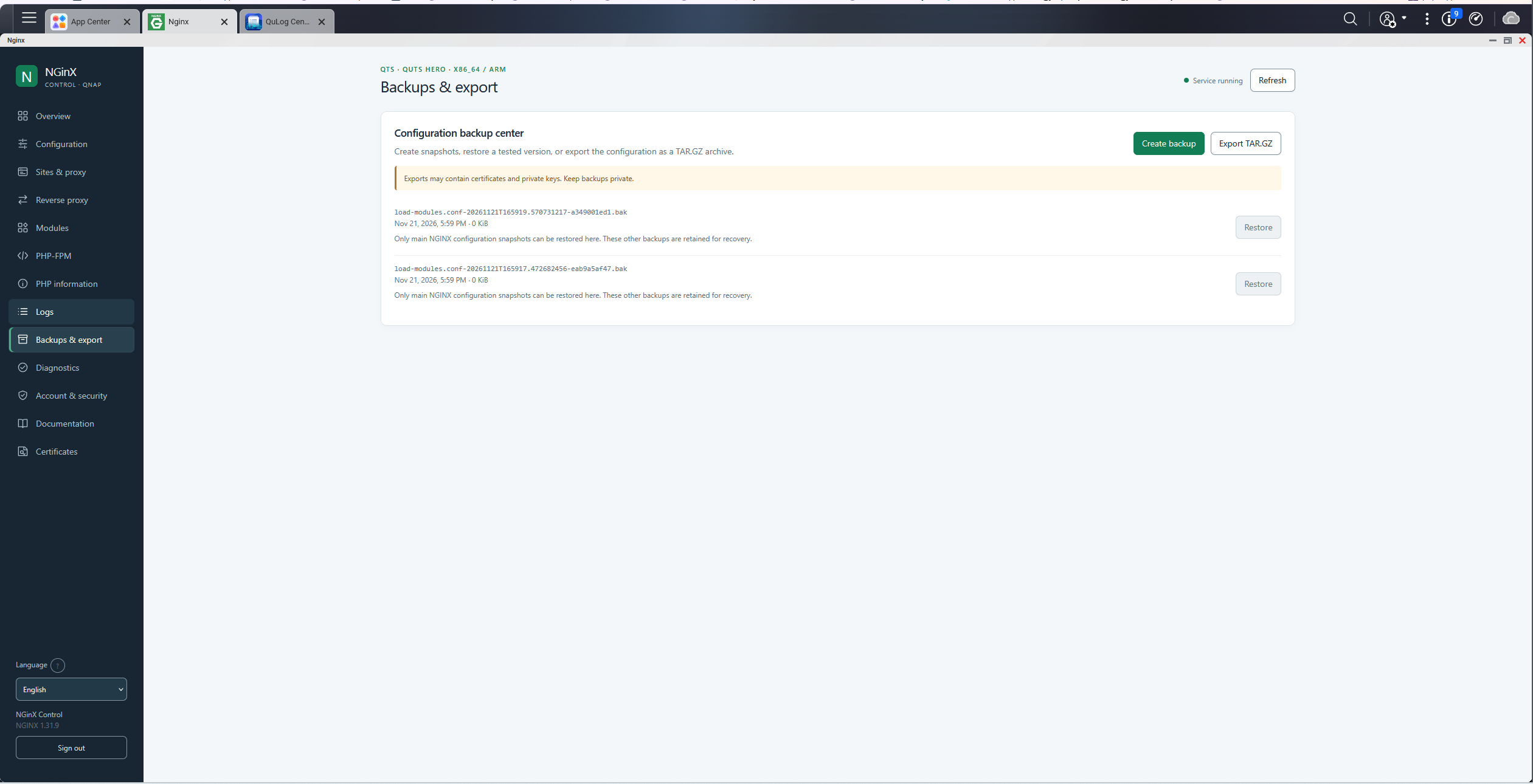
- Backup and recovery: Export configurations, create backups and restore supported settings.
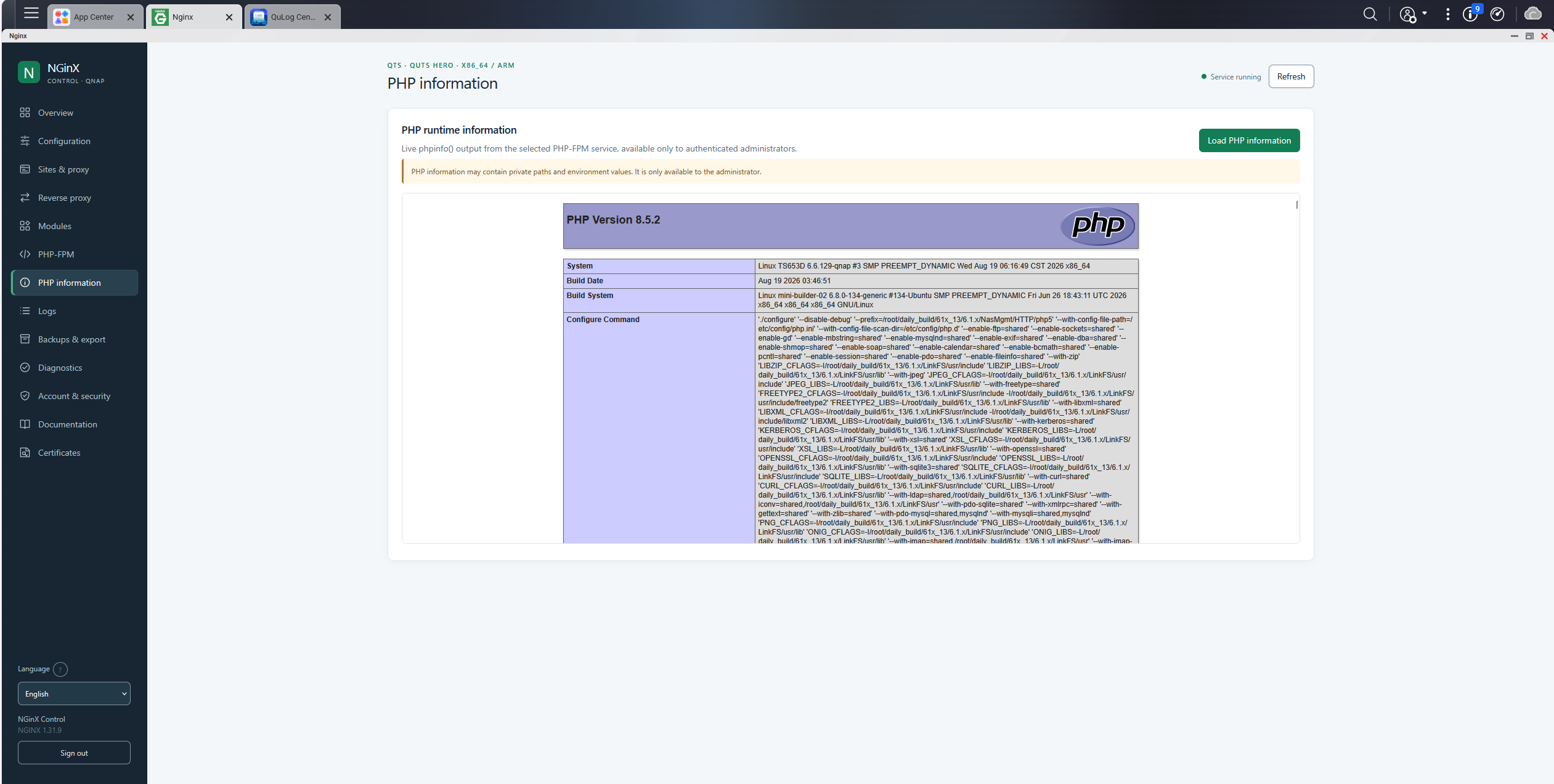
- Real-time monitoring: View service status, logs, diagnostics and operational information.
- Built-in diagnostics: Run self-tests and export diagnostic reports for troubleshooting.
- Secure administration: Local administrator authentication, protected sessions and configuration validation.
- Multilingual interface: An organized, responsive control panel supporting 20 languages.
- Upgrade-friendly: Designed to preserve existing websites, certificates and configuration files.
Simple Administration
NGinX includes a dedicated web interface accessible from the QNAP App Center.
During the initial setup, users create a local administrator account using a one-time installation password reported through QNAP QuLog Center.
The administration interface provides organized tabs, clear status indicators, inline path validation and helpful progress animations.
Network Access
The public NGINX web server and its administration interface operate independently.
The public website uses port 89 by default. Administration is available through the QNAP desktop, with optional direct HTTPS access on port 18989.
Security and Certificates
NGinX supports HTTPS certificates, automatic renewal, configuration validation, access controls and protected credential storage.
Let’s Encrypt HTTP-01 validation requires the requested domain to be publicly reachable on TCP port 80.
For remote administration, HTTPS or a trusted VPN is recommended.
Why Choose NGinX?
NGinX transforms your QNAP NAS into a flexible web-hosting and reverse-proxy platform.
Whether you host personal websites, manage internal applications or publish services securely, NGinX combines the capabilities of NGINX with the convenience of a native QNAP administration interface.
No Docker required. No complicated deployment. Your NAS, your web server, your control.
Official Project and Source Code
Official website: https://nginx.org/
NGINX source code: https://github.com/nginx/nginx
Documentation: https://nginx.org/en/docs/
NGINX Open Source license: BSD-2-Clause (simplified BSD-style license).
Other included libraries and the QNAP management interface may have separate license terms.
Last update: 21 November 2026