

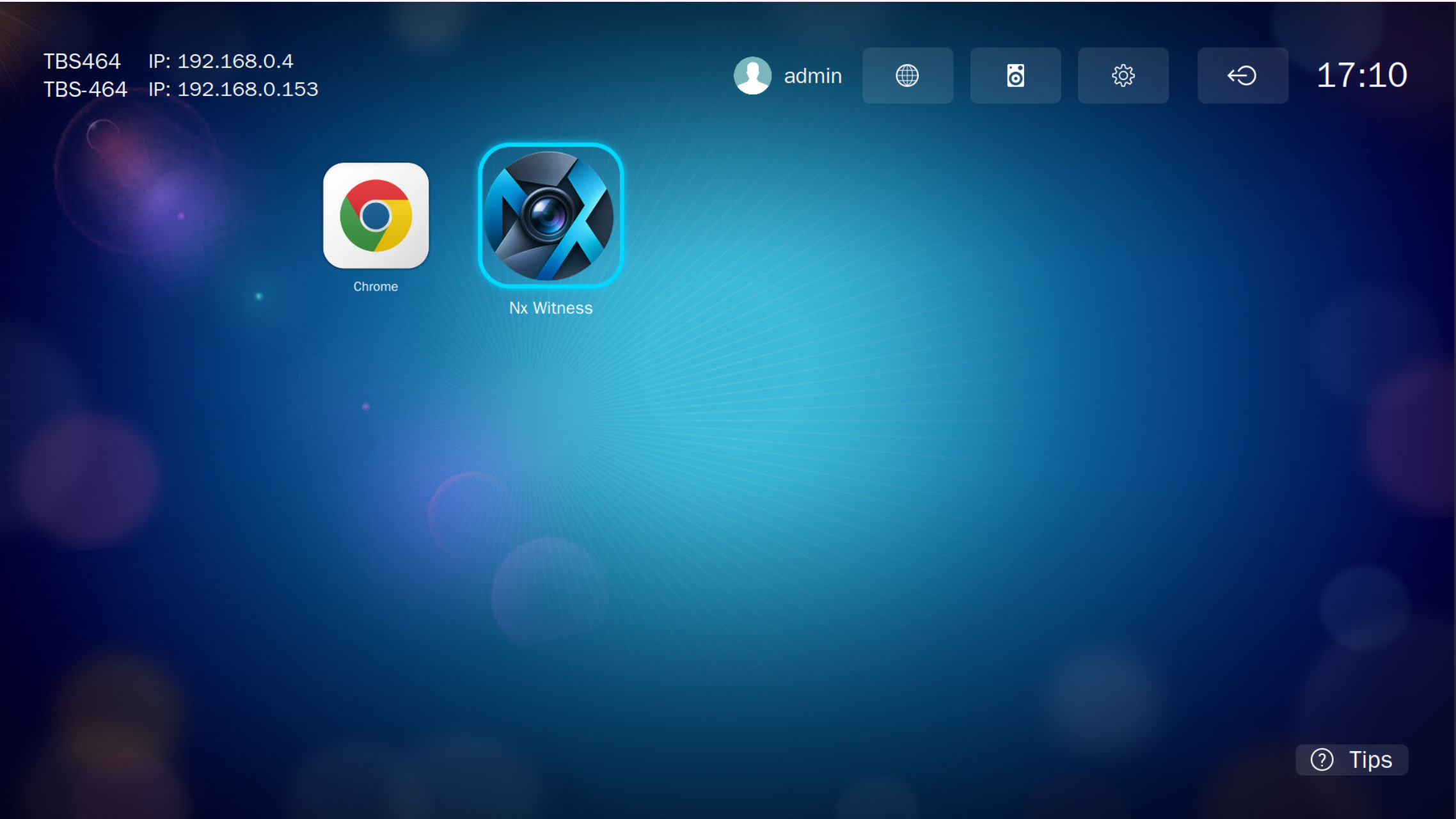
Nx Witness Desktop Client for QNAP HD Station
Turn your QNAP NAS into a professional video surveillance monitoring workstation.
Nx Witness Desktop Client for QNAP brings the powerful and intuitive Network Optix Video Management System (VMS) interface directly to your NAS through QNAP HybridDesk Station (HD Station).
Connect your NAS to an HDMI display and access your Nx Witness surveillance environment without needing a separate Windows or Linux workstation.
Why Nx Witness on QNAP?
A QNAP NAS is more than a storage device. With HybridDesk Station, it can also become a dedicated video monitoring station for security rooms, offices, retail stores and professional surveillance installations.
This community QPKG adapts the official Linux Desktop Client for QNAP’s HD Station environment, providing a convenient way to monitor and manage an existing Nx Witness VMS deployment.
Key Features
- Native HD Station integration: Launch Nx Witness directly from the HybridDesk Station application menu.
- HDMI display support: View your surveillance environment on a monitor connected to the NAS.
- Live camera monitoring: Access video streams from cameras connected to your Nx Witness system.
- Video playback: Search and review recorded footage stored on your VMS servers.
- Multi-camera layouts: Organize multiple video feeds in flexible monitoring layouts.
- VMS administration: Manage cameras, users and system settings according to your account permissions.
- AppImage packaging: The official Linux client is packaged for QNAP deployment.
- Intelligent startup management: Controls application instances and provides start/stop integration.
- Diagnostic logging: Runtime logs are maintained to simplify troubleshooting.
- No Docker required: Runs through QNAP HybridDesk Station.
Compatibility
Platform: QNAP NAS with Intel or AMD x86-64 processor
Operating systems:
- QTS 6 / Hero 6
Required: QNAP HybridDesk Station 5.0 or later, an HDMI-connected display and a compatible graphical environment.
Package: Nx Witness Desktop Client only
Compatibility depends on the NAS hardware, graphics support and HD Station version.
Important Information
This package installs only the Nx Witness Desktop Client, not the Nx Witness Media Server.
An existing, compatible Nx Witness VMS server is required to access live cameras, recordings and surveillance management features.
The Desktop Client is available at no cost. Commercial licensing may be required for camera recording and other VMS features.
The client version should match the version of the VMS server to which it connects.
Source Code and Licensing
Original developer: Network Optix
Official website: https://www.networkoptix.com/
Official software downloads: https://updates.networkoptix.com/default/index.html
Open-source Desktop Client components: https://github.com/networkoptix/nx_open
License: Network Optix software terms and applicable third-party licenses. Most components in the public nx_open repository are licensed under the Mozilla Public License 2.0 (MPL 2.0), unless otherwise specified.
This QPKG repackages the official Linux Desktop Client; it is not compiled from the nx_open repository.
Nx Witness and Network Optix are trademarks of their respective owners.
Disclaimer
This is an unofficial community package adapted for QNAP NAS devices. It is not an official Network Optix or QNAP product and is not covered by their standard support for this deployment environment.
Some HD Station configurations may require a compatibility mode that disables Chromium sandboxing when the client runs as root. This reduces browser-process isolation and should be considered when evaluating deployment security.
Nx Witness for QNAP — Professional video surveillance, directly on your NAS.


